
 Sign In
The Trading Journal to Trade Better
A trading journal for better decisions. Import trades, review performance, and capture the why behind every trade, all in one place.
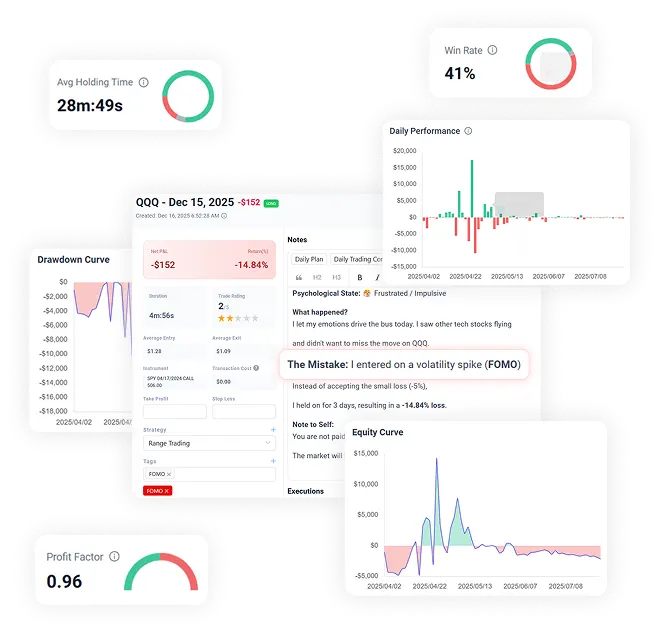








Automate your trading journal











Trade log built for analysis
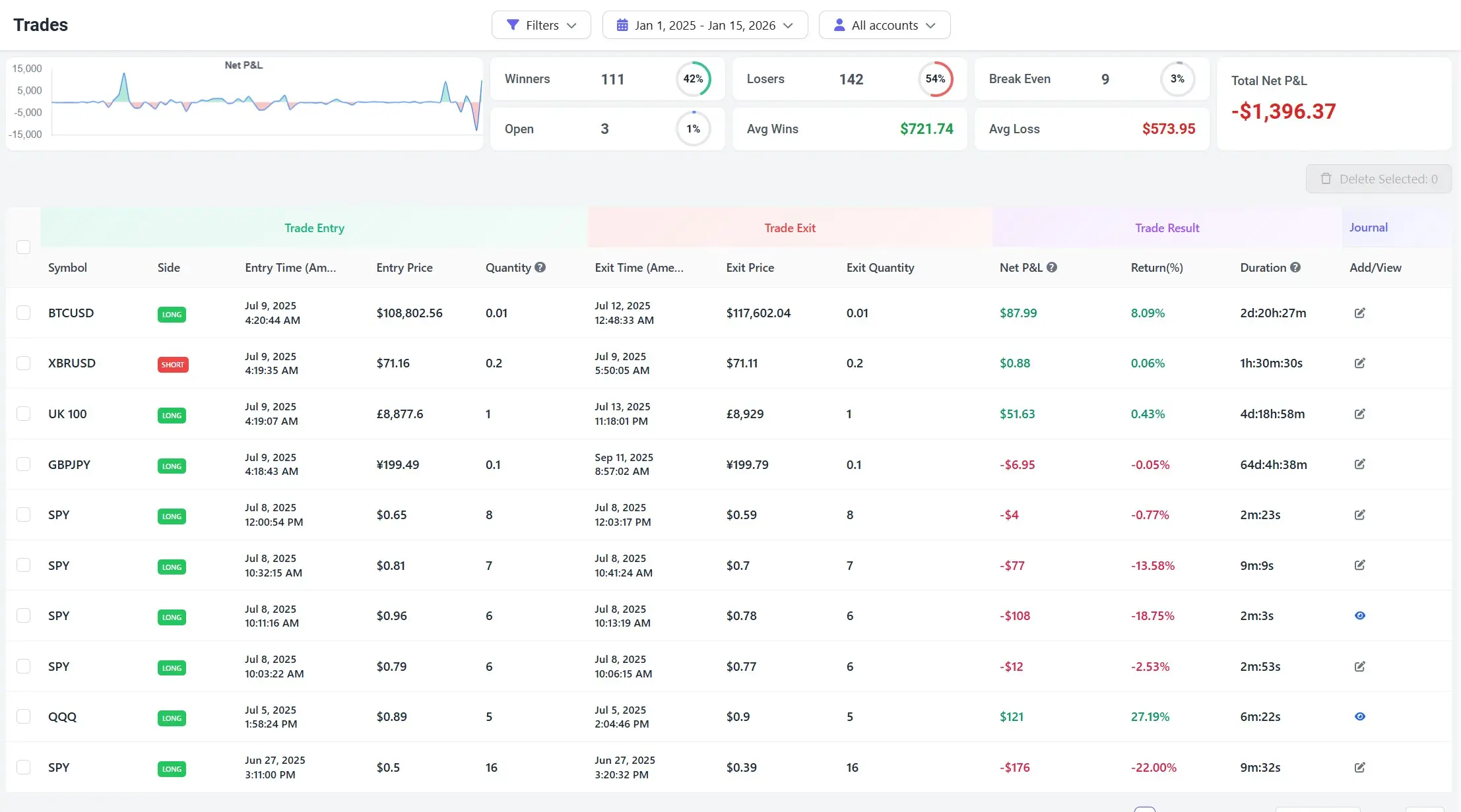
Stop guessing. Start analyzing.
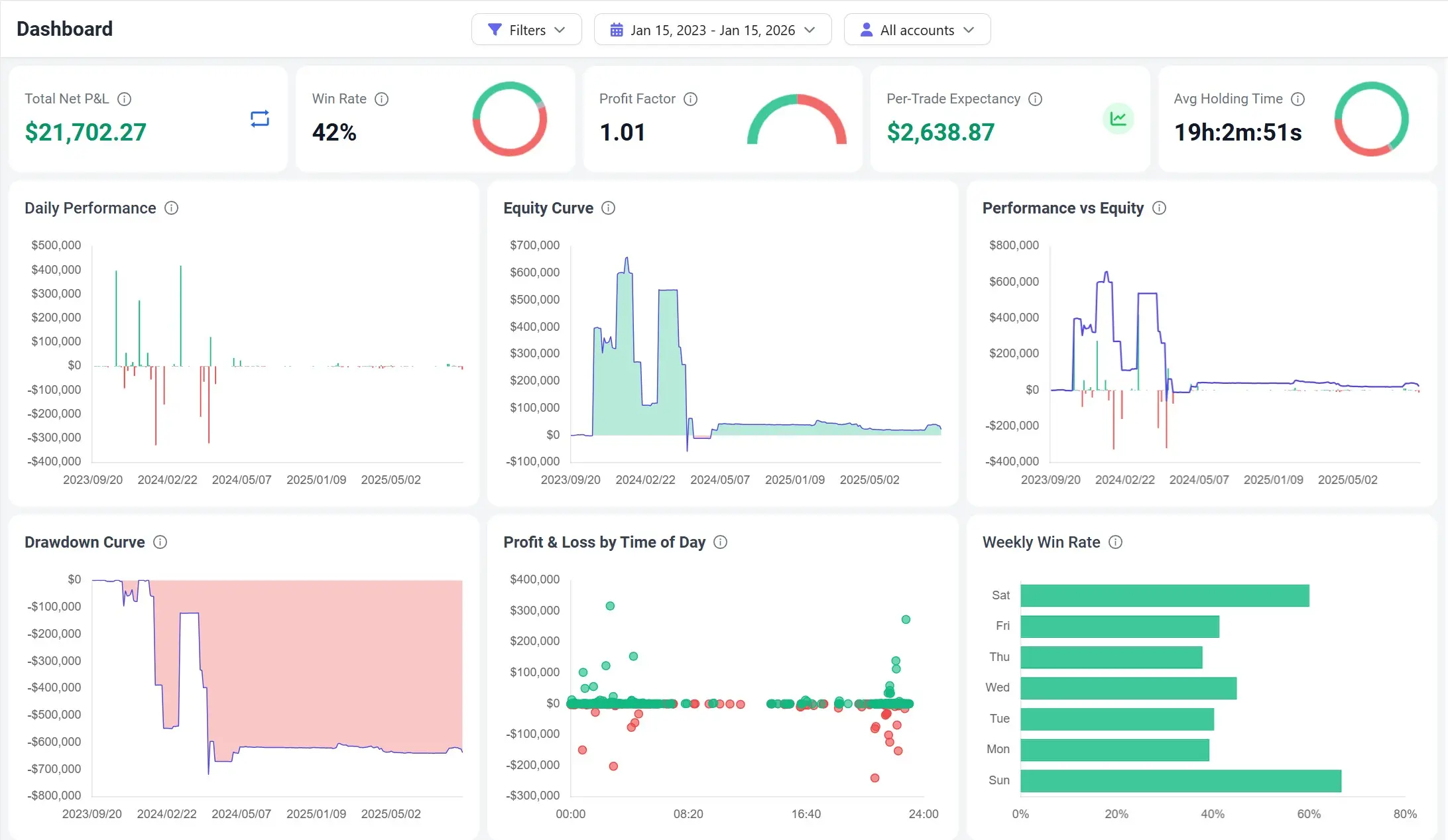
Build a routine that actually sticks
See monthly performance at a glance
A calendar view that highlights streaks, red days, and turning points.
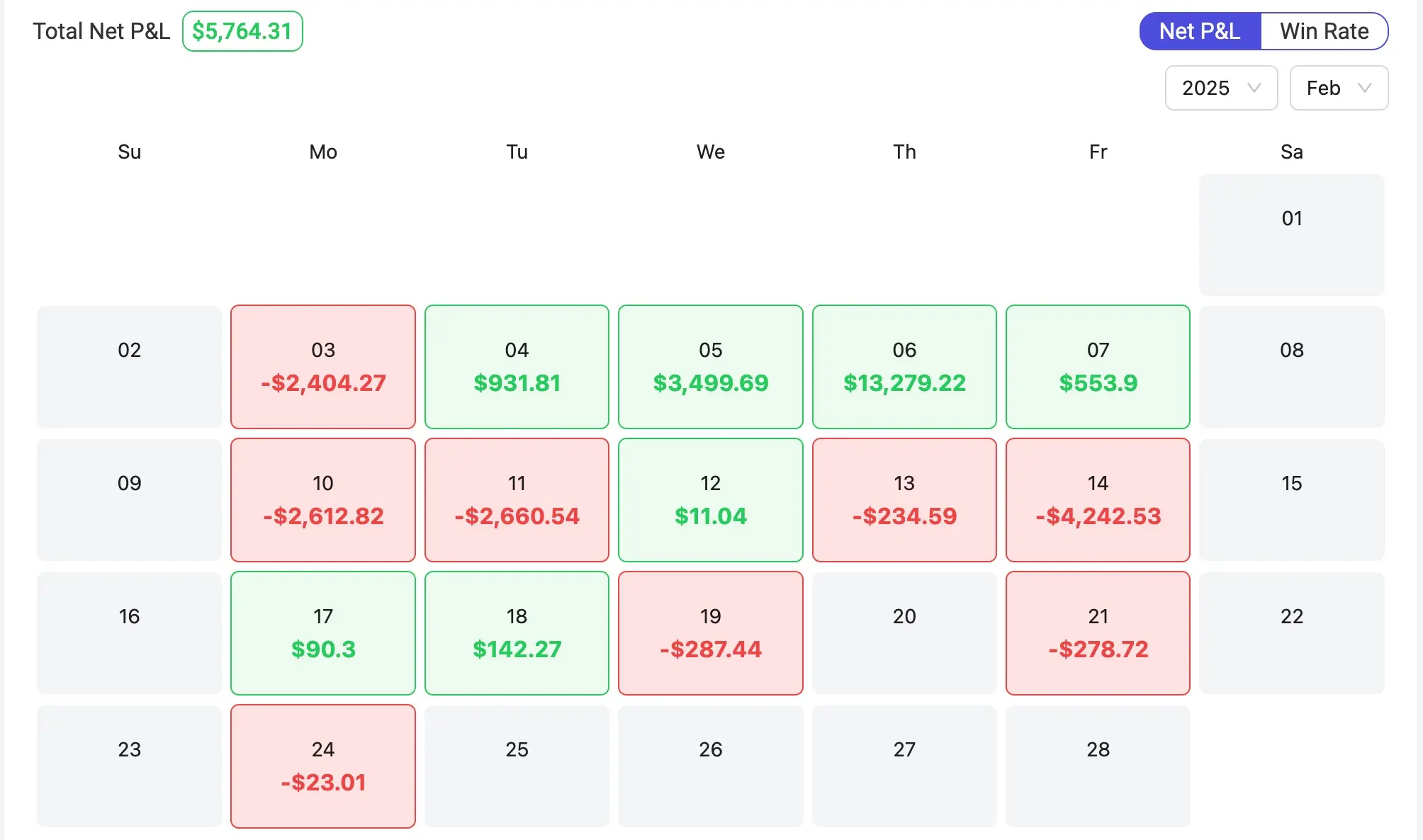
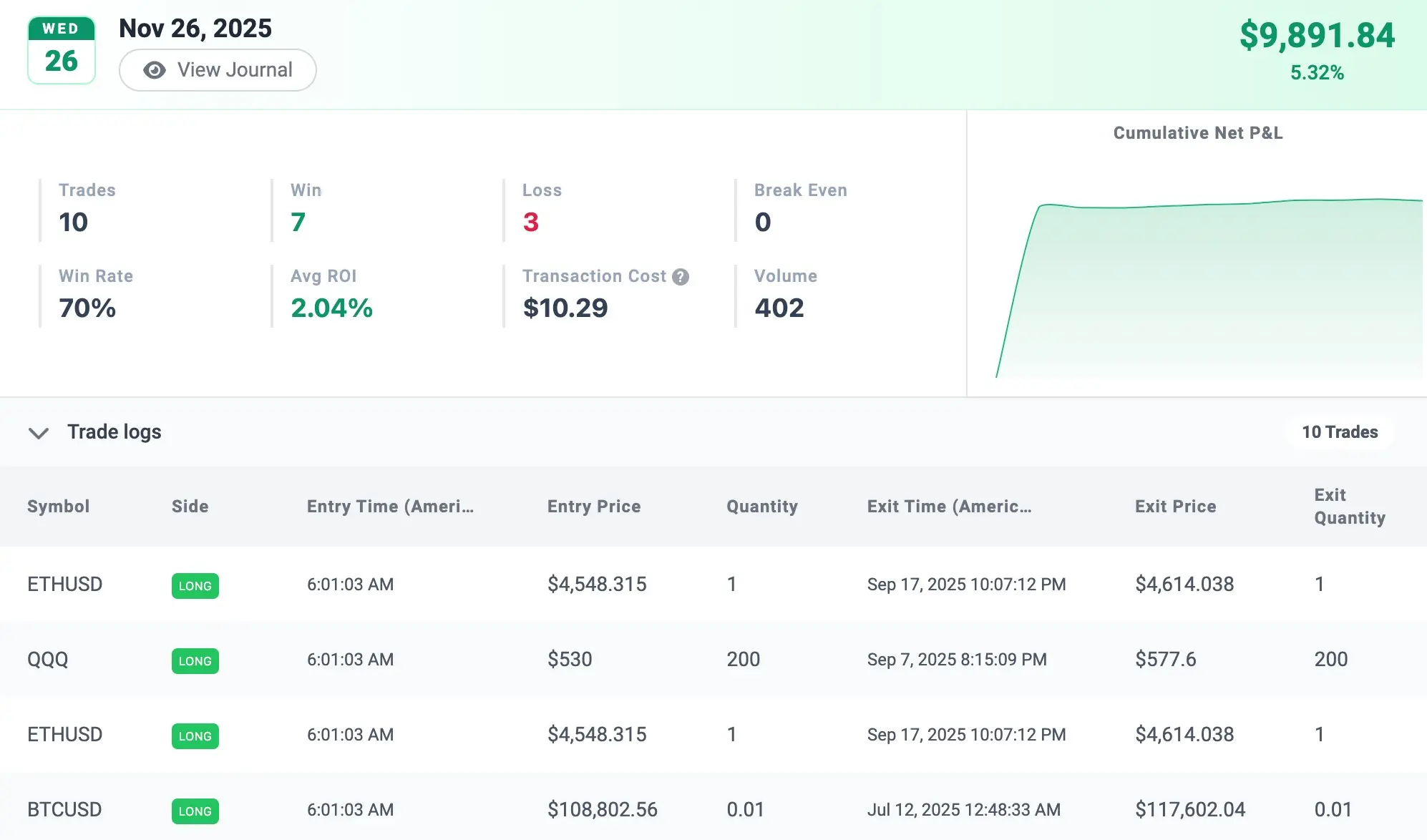
Review any day fast
Open a day to see the summary and the trades behind it.
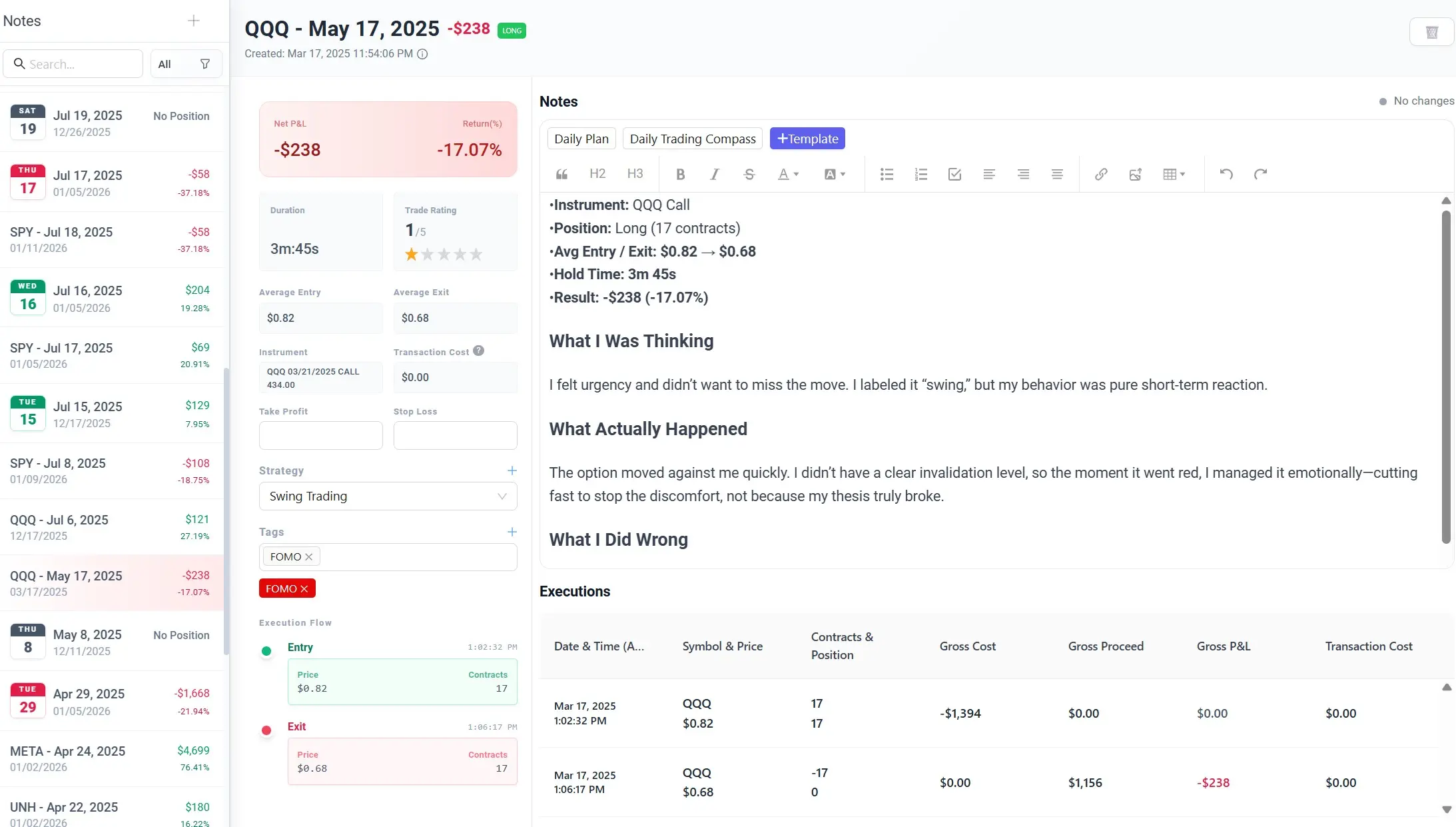
Track the why, not just the what
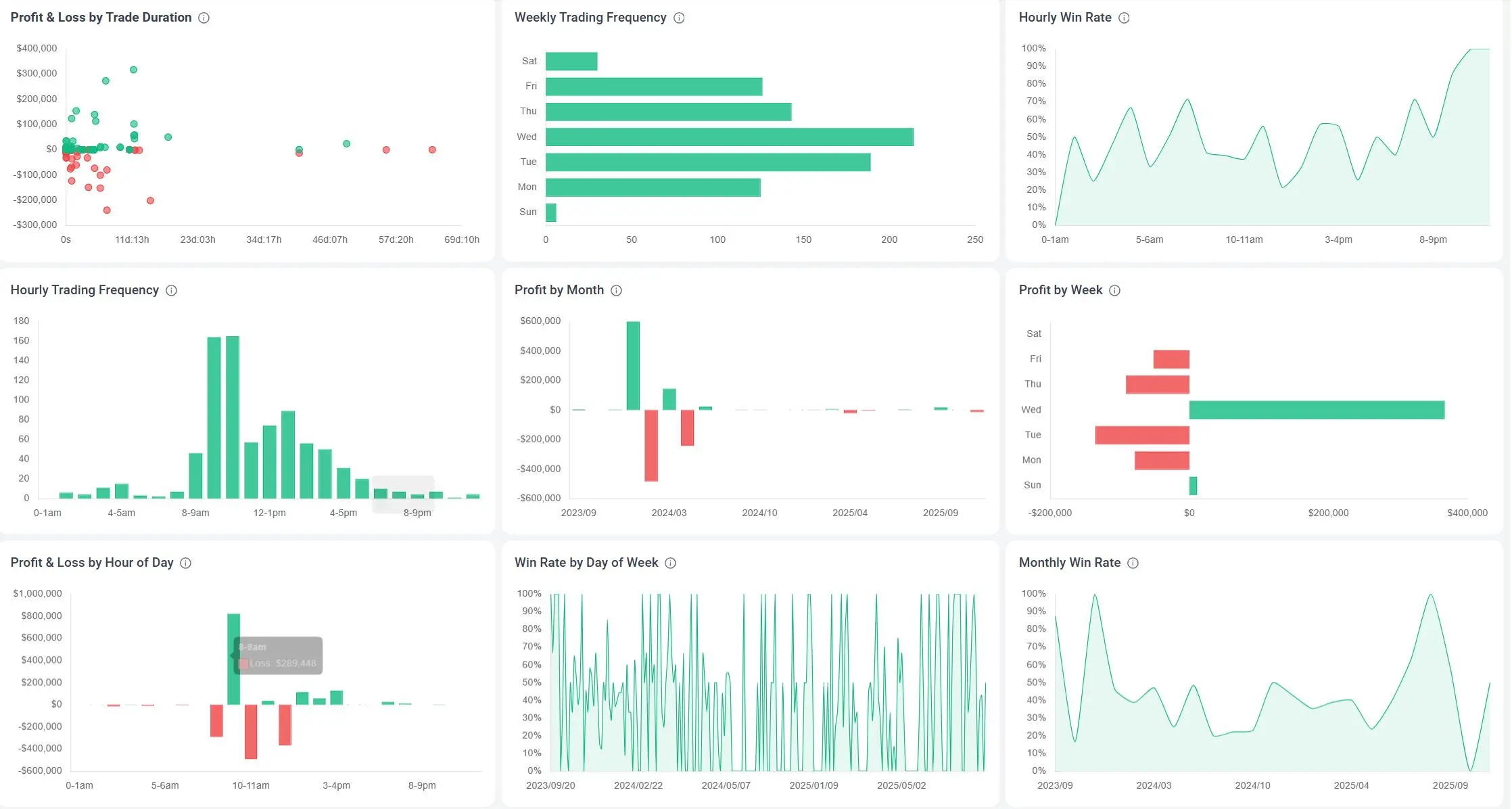
Find what works. Fix what doesn’t.
Trade better by time of day
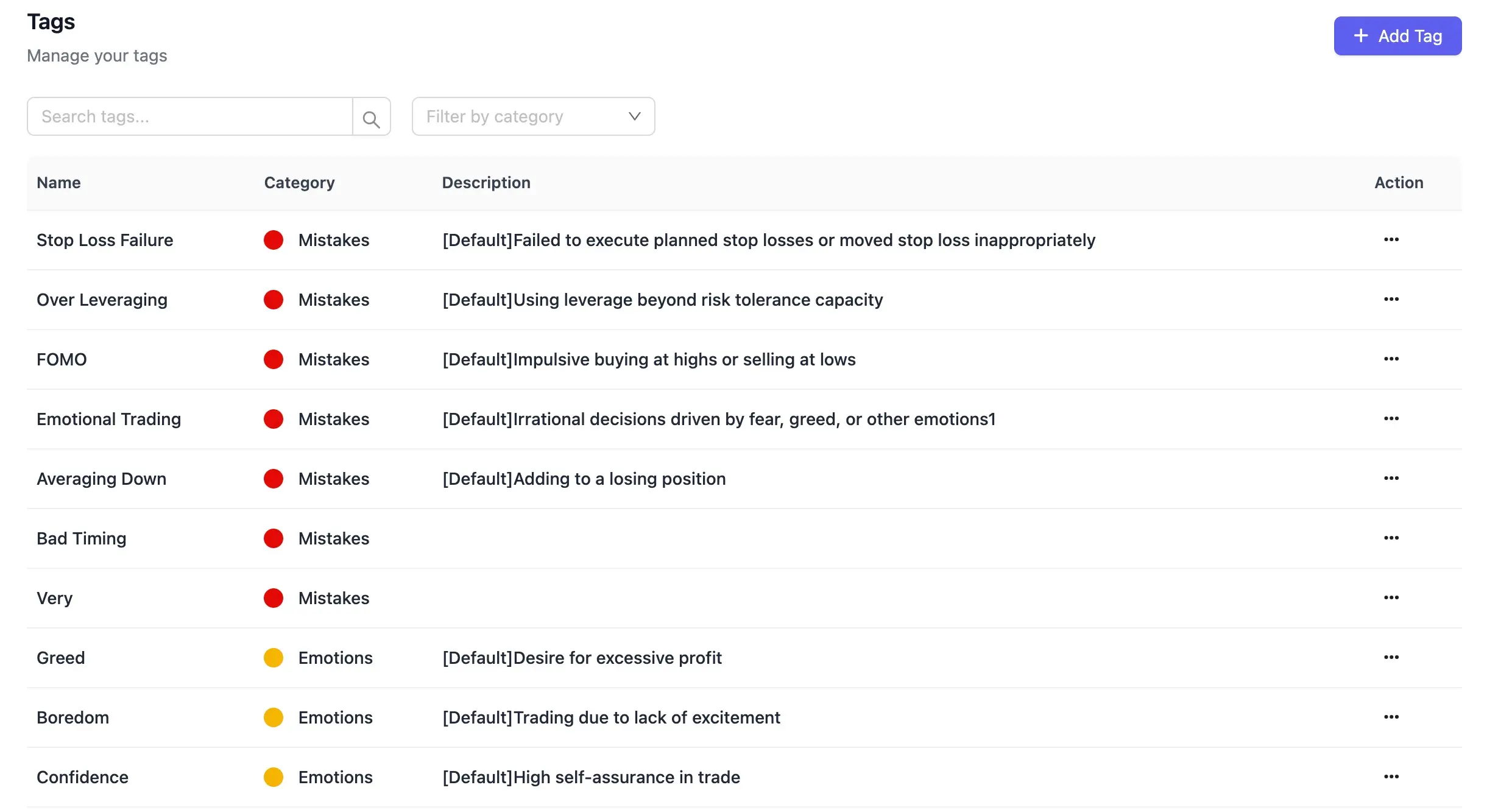
Tag repeat mistakes
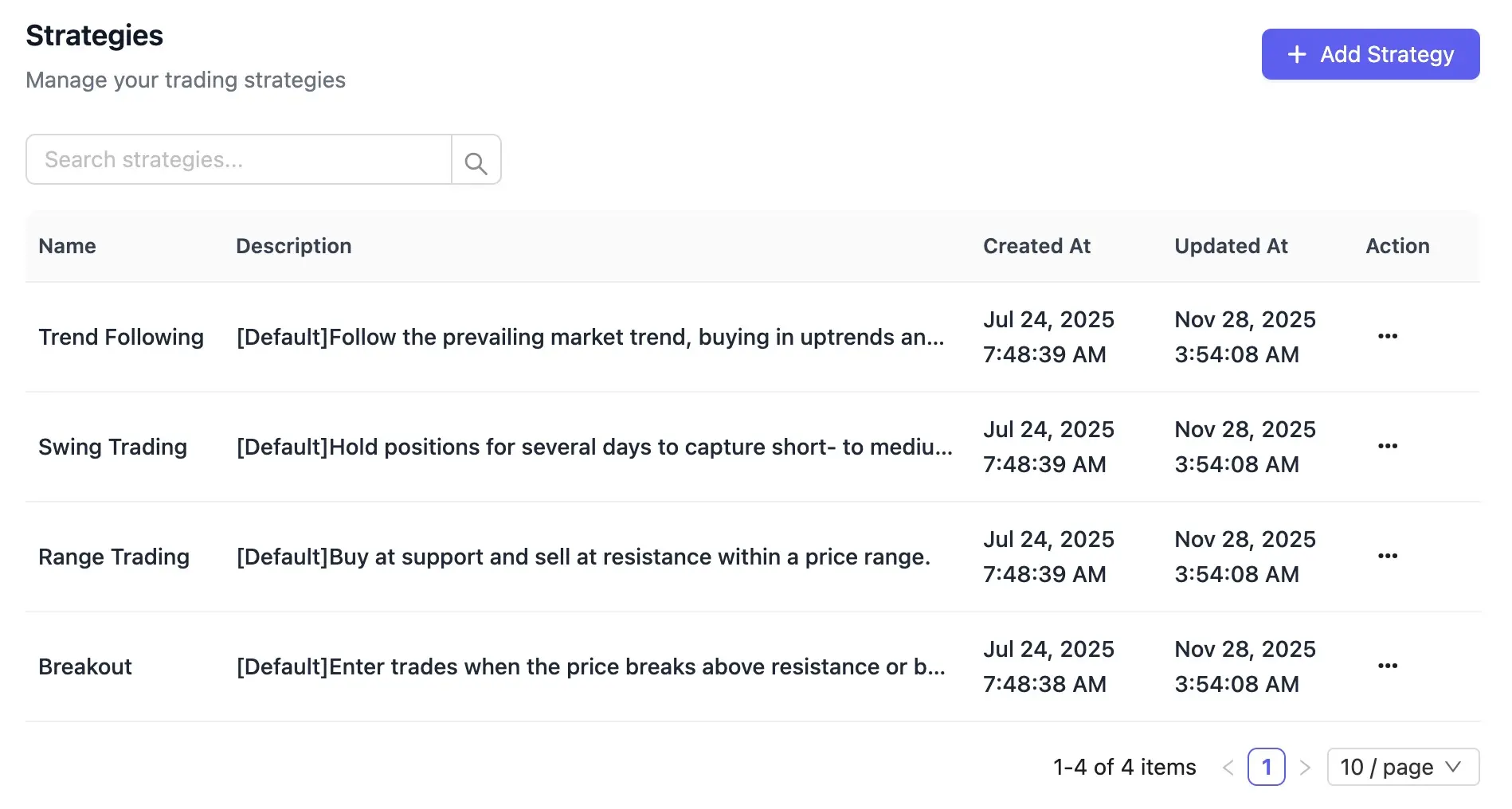
Compare strategies
FAQ
What is TradeBB?
An intelligent trading journal and review platform that imports your trades, quantifies performance, and turns insights into a repeatable improvement loop.
Who is it for?
Traders across stocks, options, futures, forex, and crypto—day, swing, and trend. Newer traders build discipline; experienced traders optimize strategy and risk.
How do I get started?
Create an account and set your timezone and base currency. Import your trade history via auto sync or file upload. After the first import, tag and organize trades by instrument, strategy, and setup. Then open the dashboard to review key metrics (P&L, win rate, profit factor, expectancy) and begin your review loop.
What sources are supported?
We support three input paths: auto sync via broker/platform link (where available), standard import files (CSV/Excel and broker exports with field mapping), and manual entry when neither link nor file is supported.
Do I have to record trades manually?
It depends on your broker. If your broker supports a direct link or file import, you won’t need to log trades manually. If neither is available for your broker, manual entry is required.
What if my import fails?
Check time/price formats, close-out records, and fee/slippage columns; try the field-mapping wizard. Still stuck? Email support@tradebb.ai or post in our community: https://www.tradebb.ai/community
Do you support multi-account performance management?
Yes—across the platform. With MetaTrader (MT4/MT5), you can link multiple broker accounts for auto sync or import reports (CSV/HTML). TradeBB lets you switch by account and view segmented metrics (P&L, win rate, profit factor, expectancy, equity curves), see an aggregate portfolio view, and filter/compare by account, strategy, market, and instrument to analyze performance across dimensions.
Which brokers/platforms are supported?
We support three connection modes: auto sync (direct link/API), file import (CSV/Excel or native exports with field mapping), and manual entry. Coverage includes major MetaTrader (MT4/MT5) brokers, popular futures/stock/crypto venues, and common prop/trading platforms. The list is continuously expanding—check the live, searchable directory to see whether your broker supports auto sync, file import, or manual entry only: https://www.tradebb.ai/supported-brokers
Do you support institutional deployment and custom journals?
Yes. We offer dedicated/on‑prem or private cloud deployment. For customization, we provide bespoke trading journal modules, custom analytics/metrics, and API integrations with your broker/OMS/CRM. For scoping and deployment options, contact: support@tradebb.ai
How do you handle data security and privacy?
We use encryption in transit and at rest, role-based access controls, and strict data isolation. You can export or delete your data at any time. For enterprise, we support private cloud/on‑prem, SSO, and custom retention.Learn more: https://www.tradebb.ai/privacy-policy
How can I contact you if I have more questions?
If anything’s unclear or you need guidance using tradebb.ai, our team is here at support@tradebb.ai, and our community is open at https://www.tradebb.ai/community
Review better. Trade better.
Import your trades. Review what happened and why.